New feature
Record the hardware serial of your charging stations
Match charging stations with your own systems by the serial printed on their label, also before they have ever connected.
- Products
- Monta Hub, Operator API
- Posted
What's new
You can now record each charging station's hardware serial, the serial number printed on its label, in the Hub and through the Partner API. You can set it before the charging station has ever connected, for example when you load stock into an account with the EVSE bulk import. A charging station with several EVSEs has one hardware serial, and it stays with the charging station when its EVSEs move to another account.
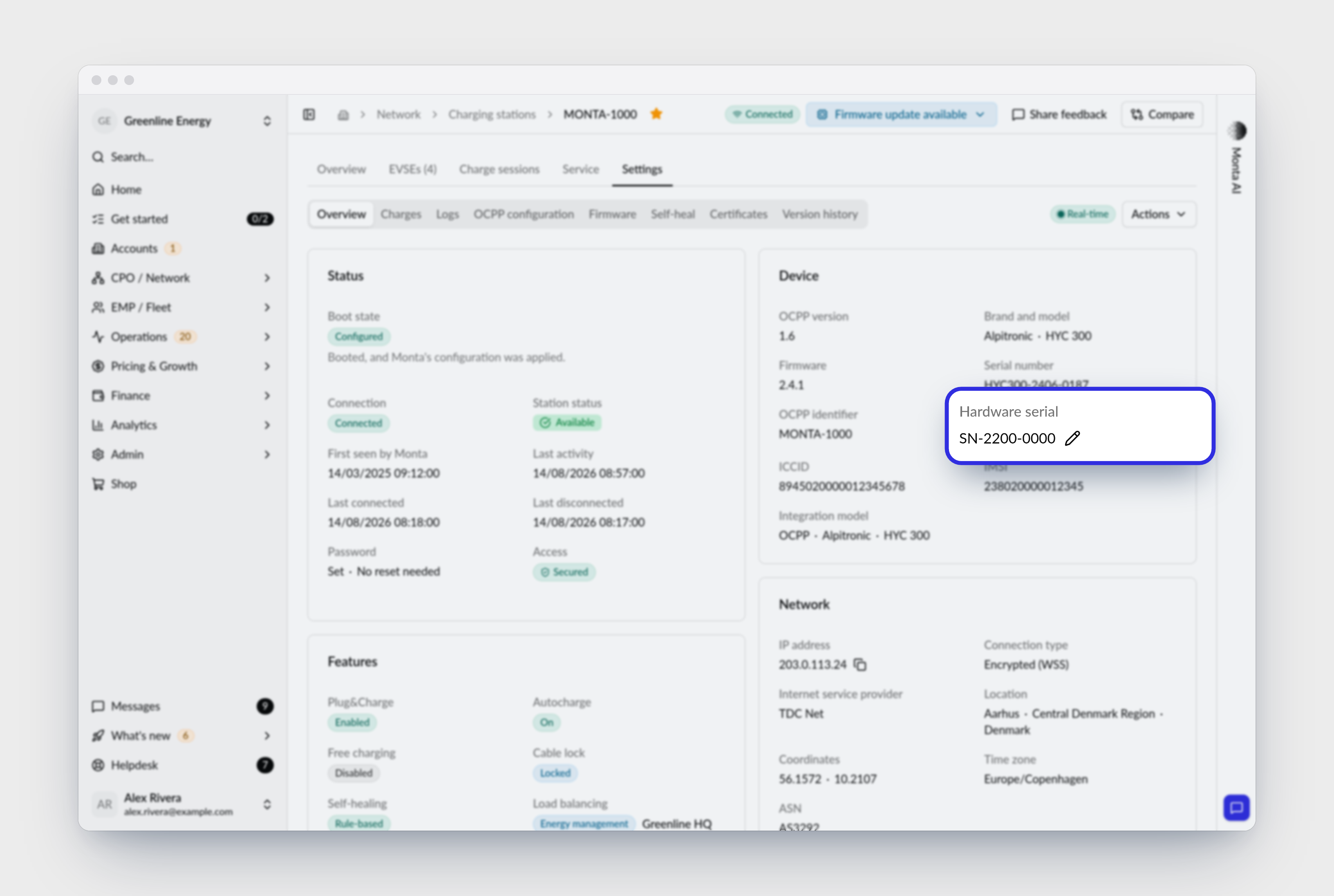
Until you set one, the Hub shows the serial the charging station reports when it connects. Both values are shown side by side, so a wrong one is easy to spot. On the EVSE page, the field that showed the OCPP identifier under "Serial number" is now labelled "OCPP identifier".
Why it matters
For many brands, the OCPP identifier a charging station connects with is not the serial on its label. If your CRM or asset system keys charging stations on the label serial, you can now match them with Monta directly, without custom fields or manual lists.
Who it's relevant for
Operators who track charging stations by their label serial in their own systems, or who load stock into Monta before it is installed.
How to use it
- In the EVSE bulk import, add the optional "Hardware serial" column. It is also in the downloadable template, and rows without it import as before.
- On a charging station's page, select "Edit hardware serial" to set or change it. Leave it empty to show the serial the charging station reports.
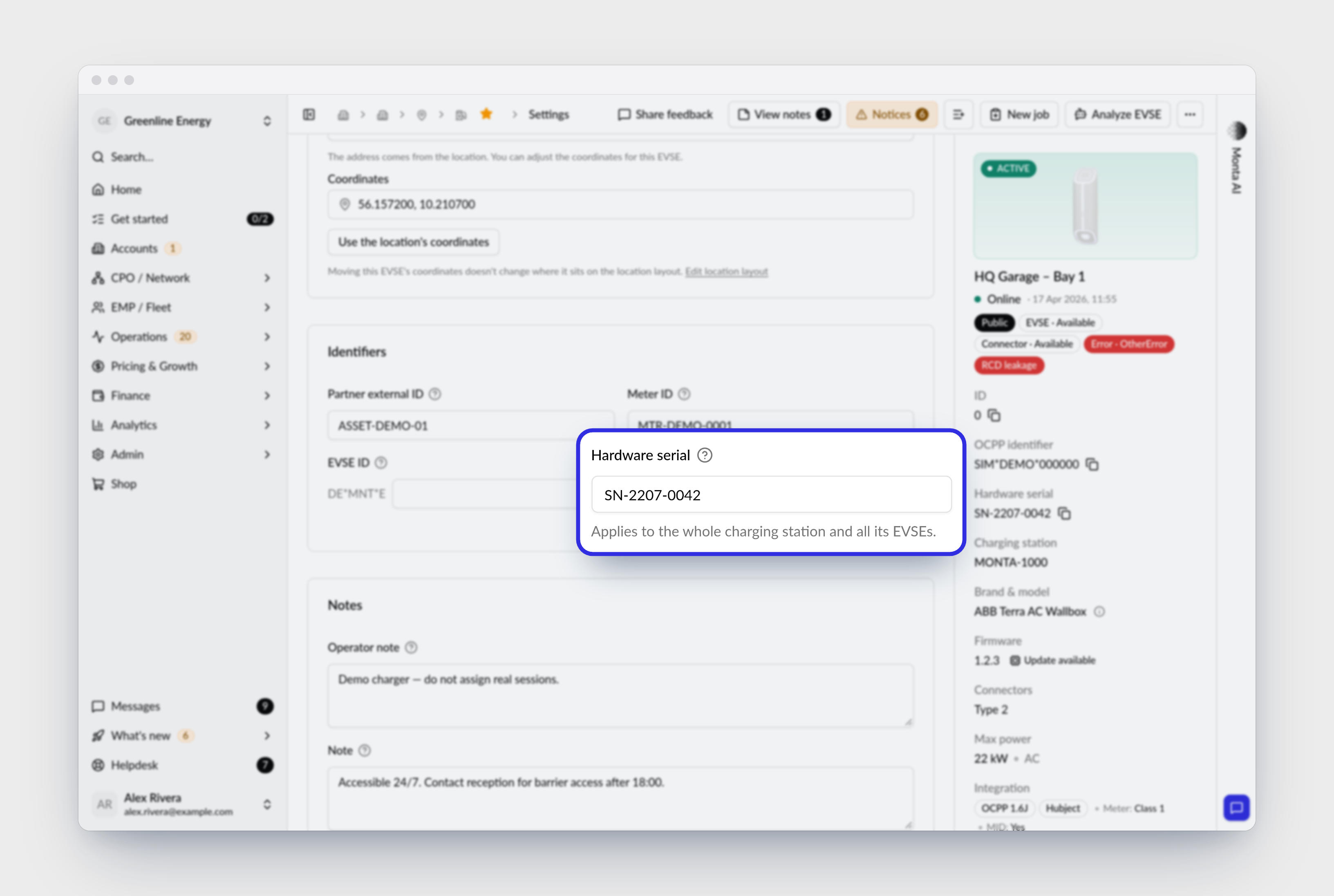
- Or set it in an EVSE's settings, under "Identifiers". For an EVSE on a charging station, it applies to the whole charging station and all its EVSEs.
- To fill it in for many EVSEs at once, use bulk edit or "Update EVSEs from a file" with a "Hardware serial" column.
- Add the optional "Hardware serial" column to the EVSE list or the charging stations list, or type a hardware serial in the EVSE search to find its EVSEs.
- Through the Partner API, your systems can read the hardware serial on charge point reads, set it on updates and include it in the charge point import. The existing serial number field is unchanged, so current integrations keep working.