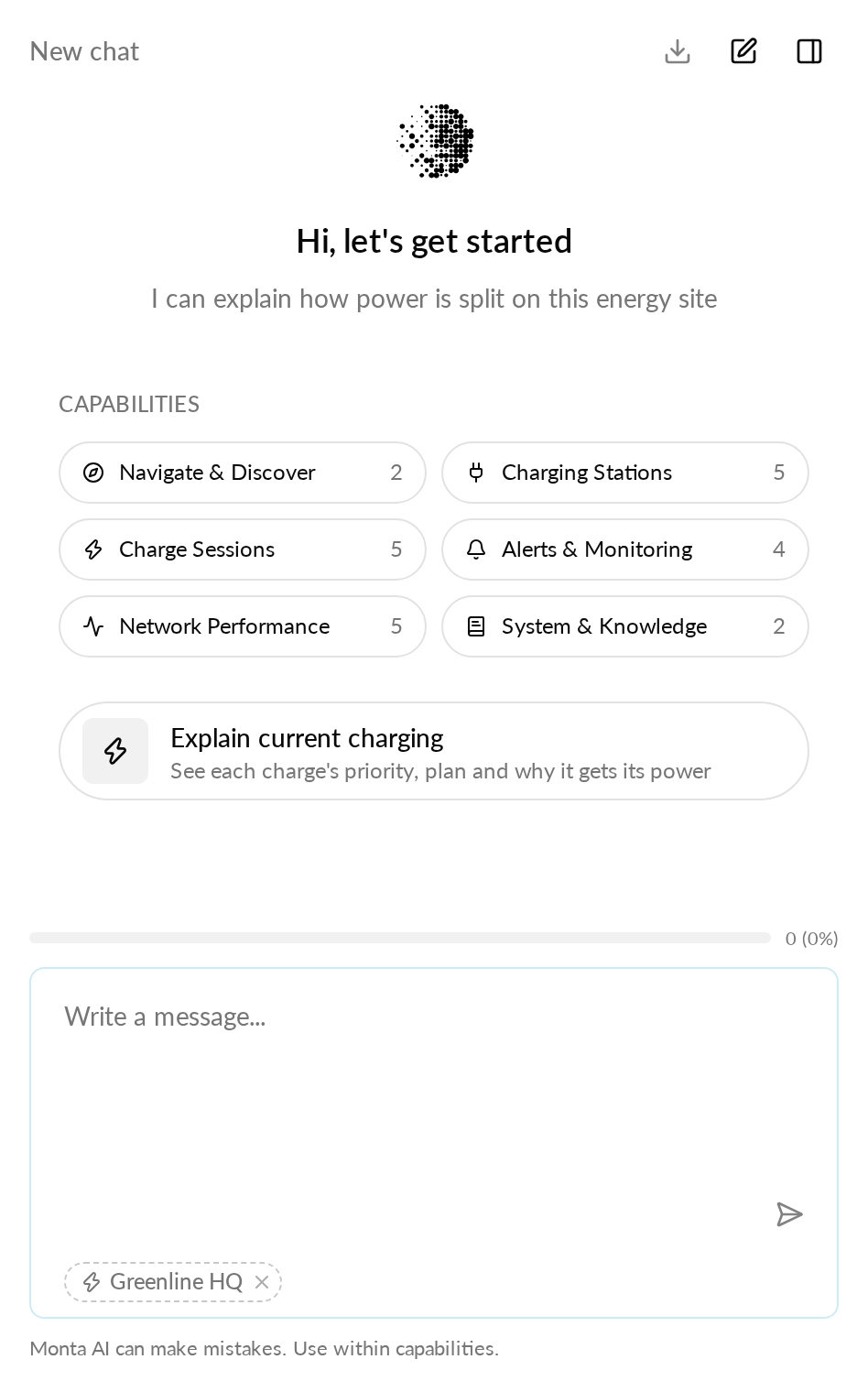
New feature
Monta AI explains the charges on the energy site you are viewing
Open Monta AI on an energy site page and ask why a car gets the power it gets.
- Stage
- Live
- Product
- Monta Hub
- Posted
What's new
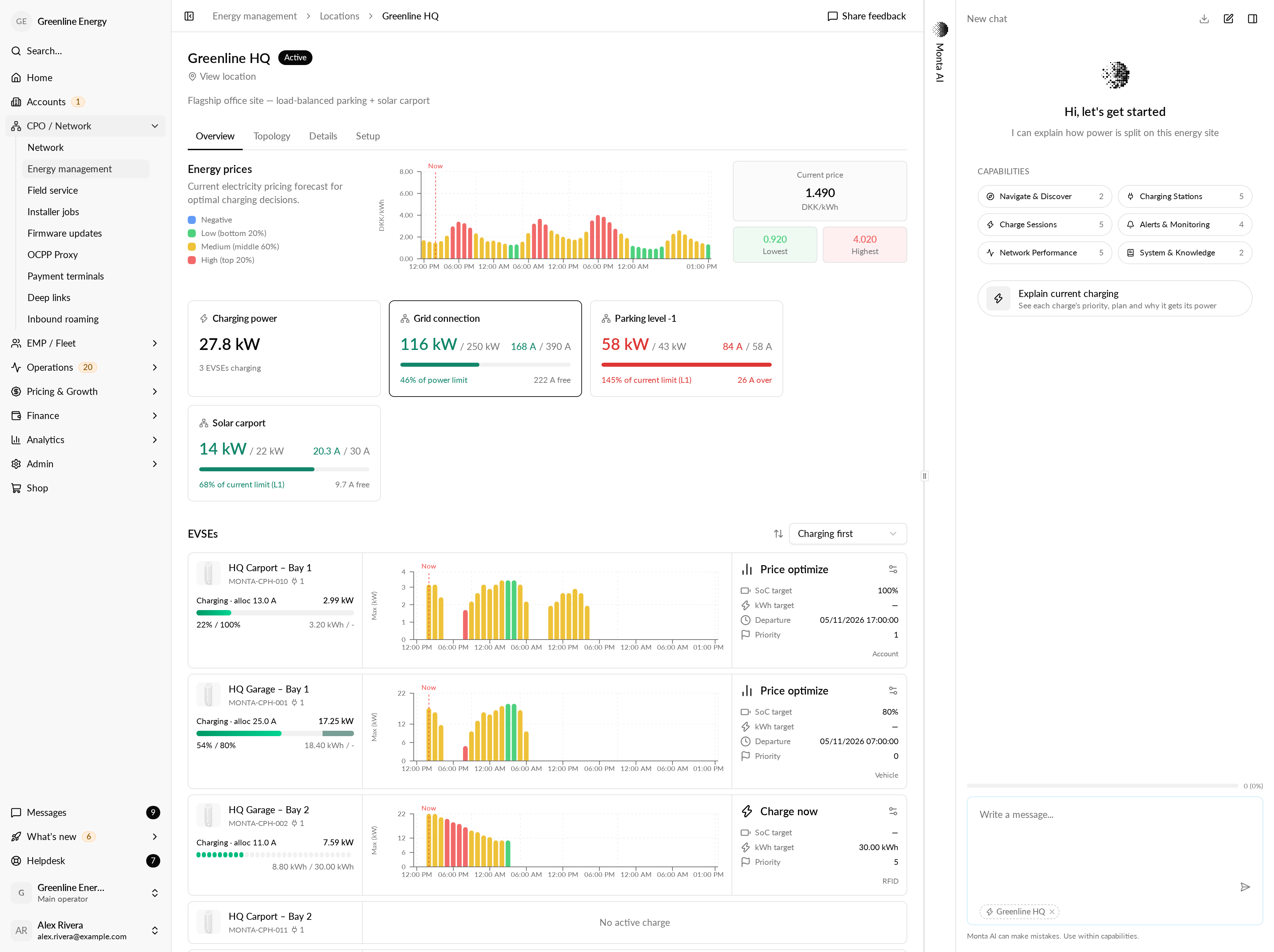
Monta AI can now read an energy site’s live state. Add the site as context from its page in Monta Hub, then ask about its charges. You’ll see each charge’s priority, each car’s charging plan, and why each car gets the power it gets, with the numbers.
Monta AI only reads what is happening on the site right now. It does not answer questions about finished charges or other energy sites, and it does not change any settings.
Why it matters
Questions about charge priority and power distribution on an energy site used to need a support escalation. Your team can now get the answer on the page where the question comes up, with the figures behind it.
Who it's relevant for
Operators who manage charging on energy sites with energy management.
How to use it
Open an energy site in Monta Hub.
Open Monta AI.
Ask, for example, "What's the priority of each charge?", "What's the plan for this car?" or "Why is this car only getting this much power?"