
New feature
Keep charging stations on the latest firmware with a workflow
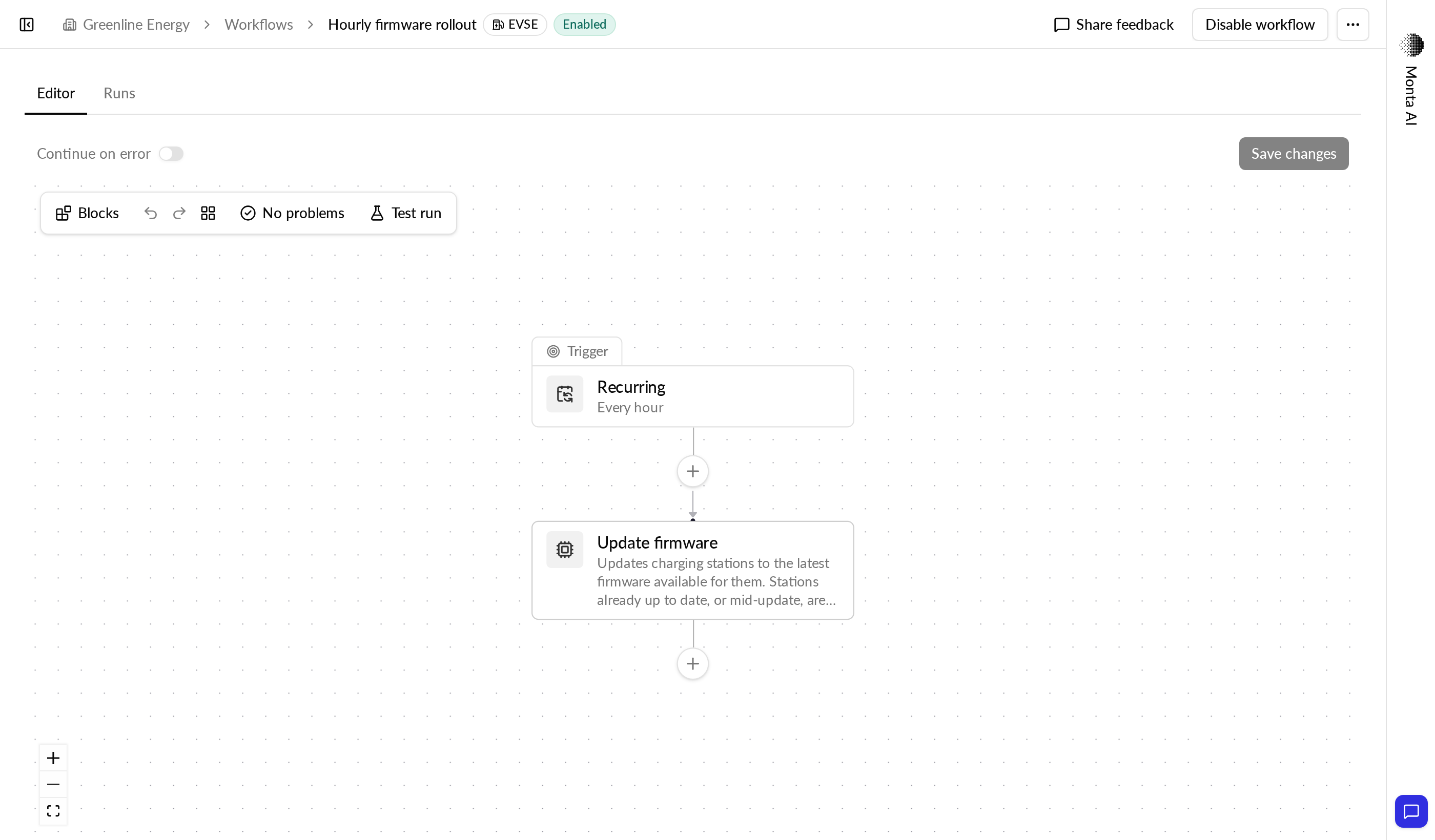
A new Update firmware step in workflows queues firmware updates for you, for example every hour.
- Stage
- Early access
- Available to all customers
- To be confirmed
- Product
- Monta Hub
- Posted
What's new
Workflows have a new Update firmware step. Each time it runs, it finds the charging stations in its target that have a newer firmware version available and queues them for an update straight away.
Put it behind a Recurring trigger, for example every hour, and new or out-of-date charging stations are brought up to date without anyone working the firmware page by hand.
Why it matters
Your charging stations stay on the latest firmware without manual work. New charging stations are picked up on the first run after they connect and report a firmware version that has an update.
Who it's relevant for
Operator admins. Only operator admins can add the step, or enable or run a workflow that contains it.
How to use it
- Create a workflow with a Recurring trigger, for example every hour.
- Add the Update firmware step and choose its target: specific charging stations, accounts, locations, brands or models. Leave the target empty to cover all your charging stations.
- Optionally, limit the step to charging stations on one or more current firmware versions.
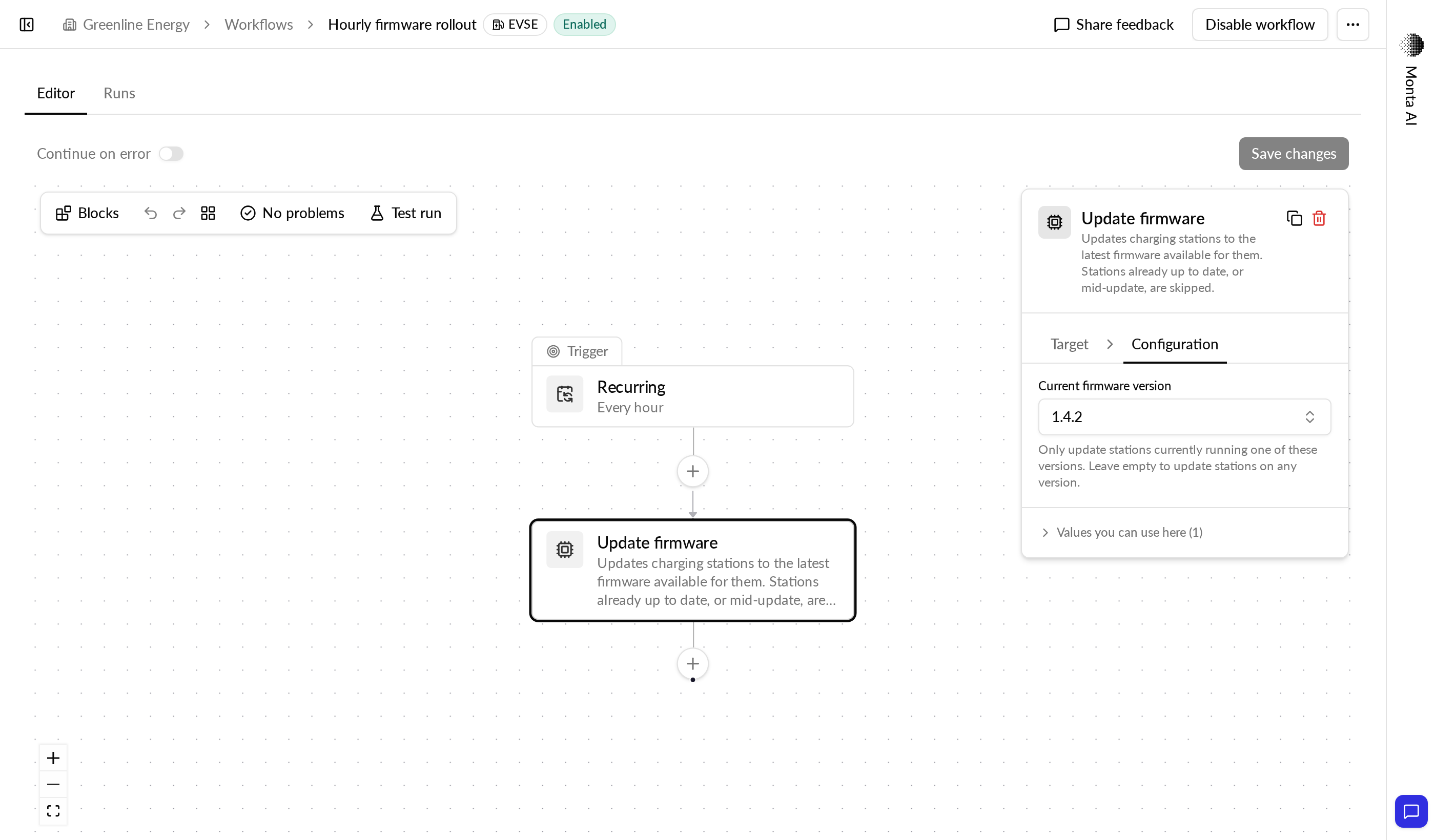
Charging stations that are already updating, or already queued in a firmware batch from the last two weeks, are skipped. The updates show up in the firmware batch list like the ones you create by hand.
The step always installs the latest version, on all selected charging stations at once, starting now. For a specific version, a staged rollout or a maintenance window, keep using bulk firmware updates.
Availability
Available now in early access.