
New feature
Route new drivers to the right sub-operator by country
Choose which sub-operator a new driver's account is created under, based on the driver's country.
- Stage
- Early access
- Available to all customers
- To be confirmed
- Products
- Monta Hub, White Label
- Posted
What's new
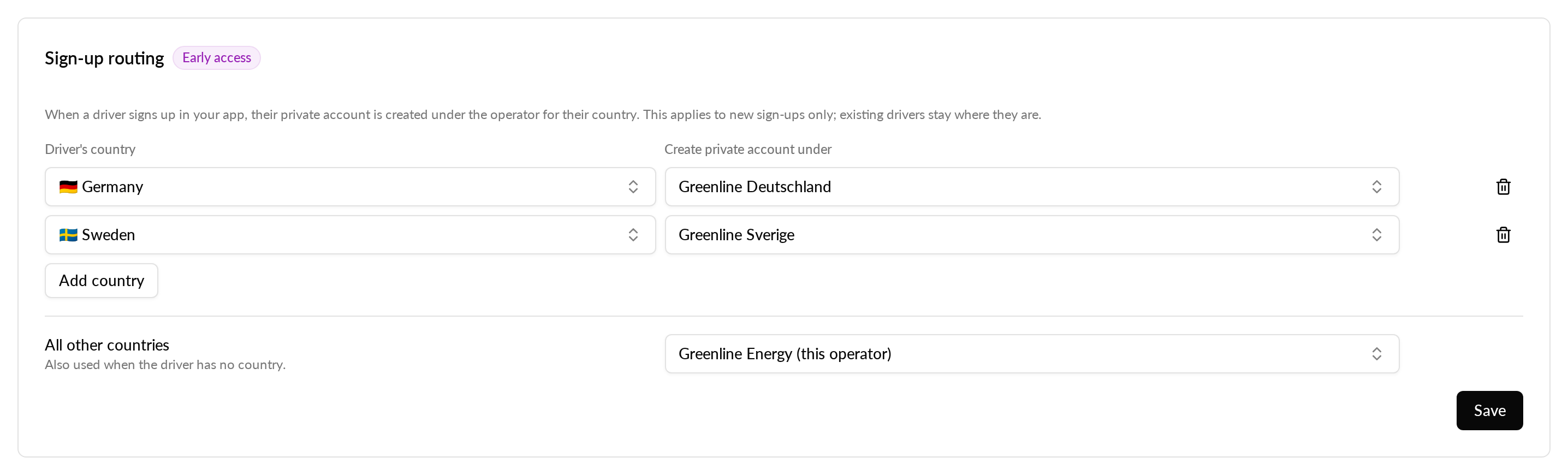
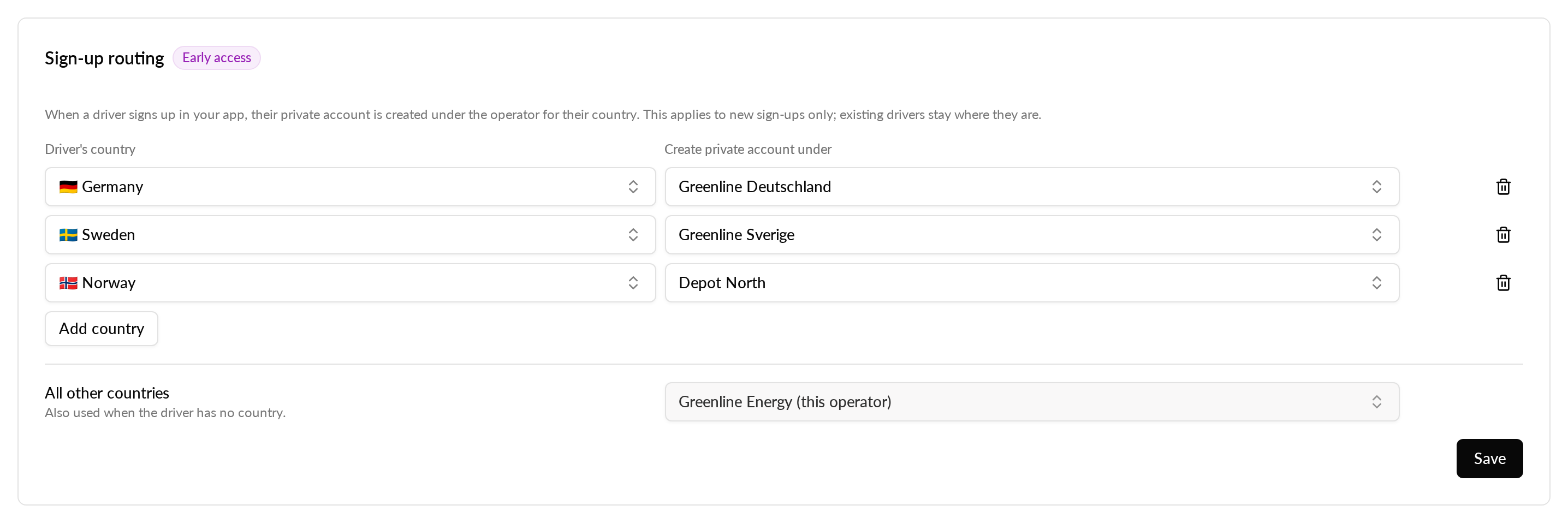
On the Mobile app page, the new Sign-up routing card lets you map each country to one of your sub-operators. When a new driver gets a private account, it is created under the sub-operator for their country. Drivers from any other country go to a fallback operator that you pick.
Routing applies wherever Monta creates the private account automatically: sign-up in the app, through the API, and a driver's first login to Monta Hub. Accounts you create by hand in Monta Hub are not routed.
Why it matters
New drivers from each country are placed under that country's sub-operator from their first sign-up, and drivers from other countries still land under an operator you chose.
Who it's relevant for
White-label operators that run sub-operators in more than one country.
How to use it
- In Monta Hub, go to Operators, then Mobile app.
- In the Sign-up routing card, choose a sub-operator for each country.
- Pick the fallback operator for drivers from any other country.
Availability
Available now in early access to selected white-label operators. If you have it, the Sign-up routing card shows an Early access badge.