
New feature
Fourteen Monta-built apps in the Application Marketplace
- Stage
- Live
- Product
- Monta Hub
- Posted
Monta now builds its own apps in the Application Marketplace in Hub. Fourteen are live: you connect each one from its page in Hub, with your own account on the other side and no integration work.
What's new
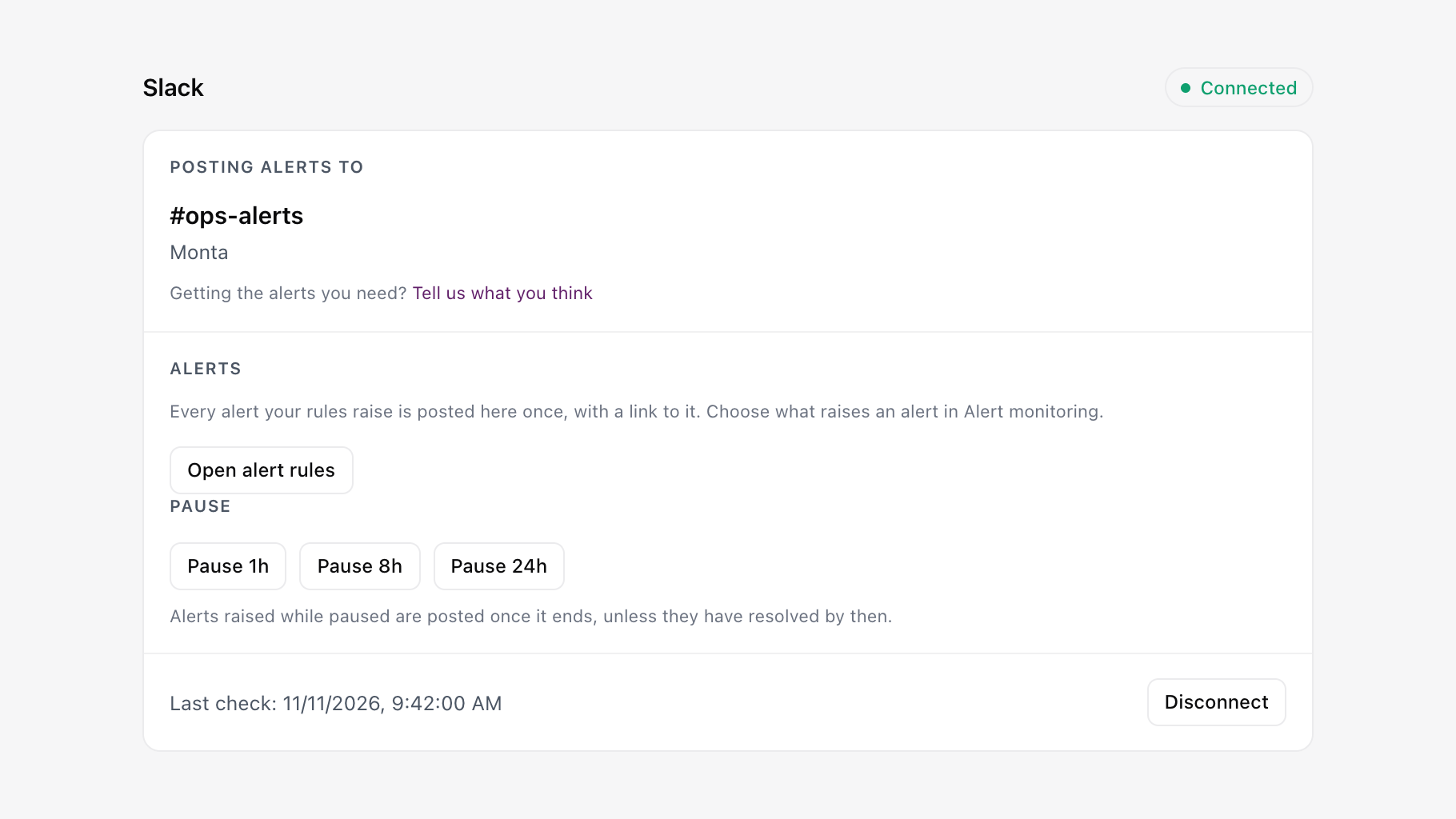
Alerts in the tools your team works in
- Slack: Posts each new alert to the channel you pick, with a link straight to it in Hub. Set it up
- Microsoft Teams: Posts each new alert to the Teams channel you pick, with a link straight to it in Hub.
- Jira: Raises an issue in the project and issue type you choose for each open alert. Set it up
- Zendesk: Puts the driver, their last five charges and their charger status next to every Zendesk ticket. Set it up
- MaintainX: Raises a work order when a charging station faults, and syncs its status back to Hub. Set it up
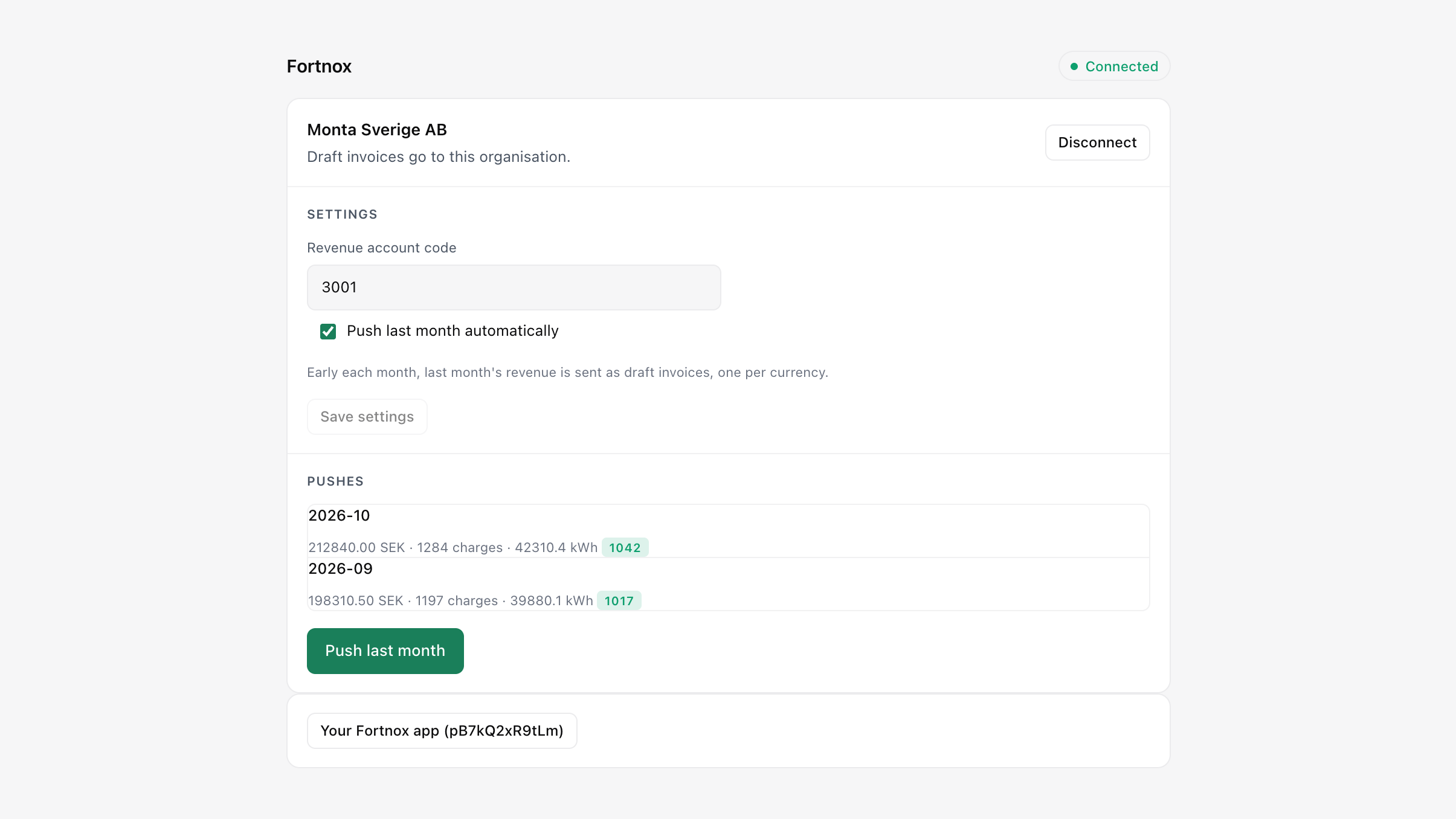
Charging revenue in your accounting
- Fortnox: Sends last month's charging revenue as a draft invoice, one per currency, for your accountant to approve.
- Xero: Sends last month's charging revenue to Xero as a draft invoice, one per currency, ready for your accountant to approve.
- QuickBooks Online: Posts one sales receipt a month with revenue, sessions and kWh.
Customers in your CRM
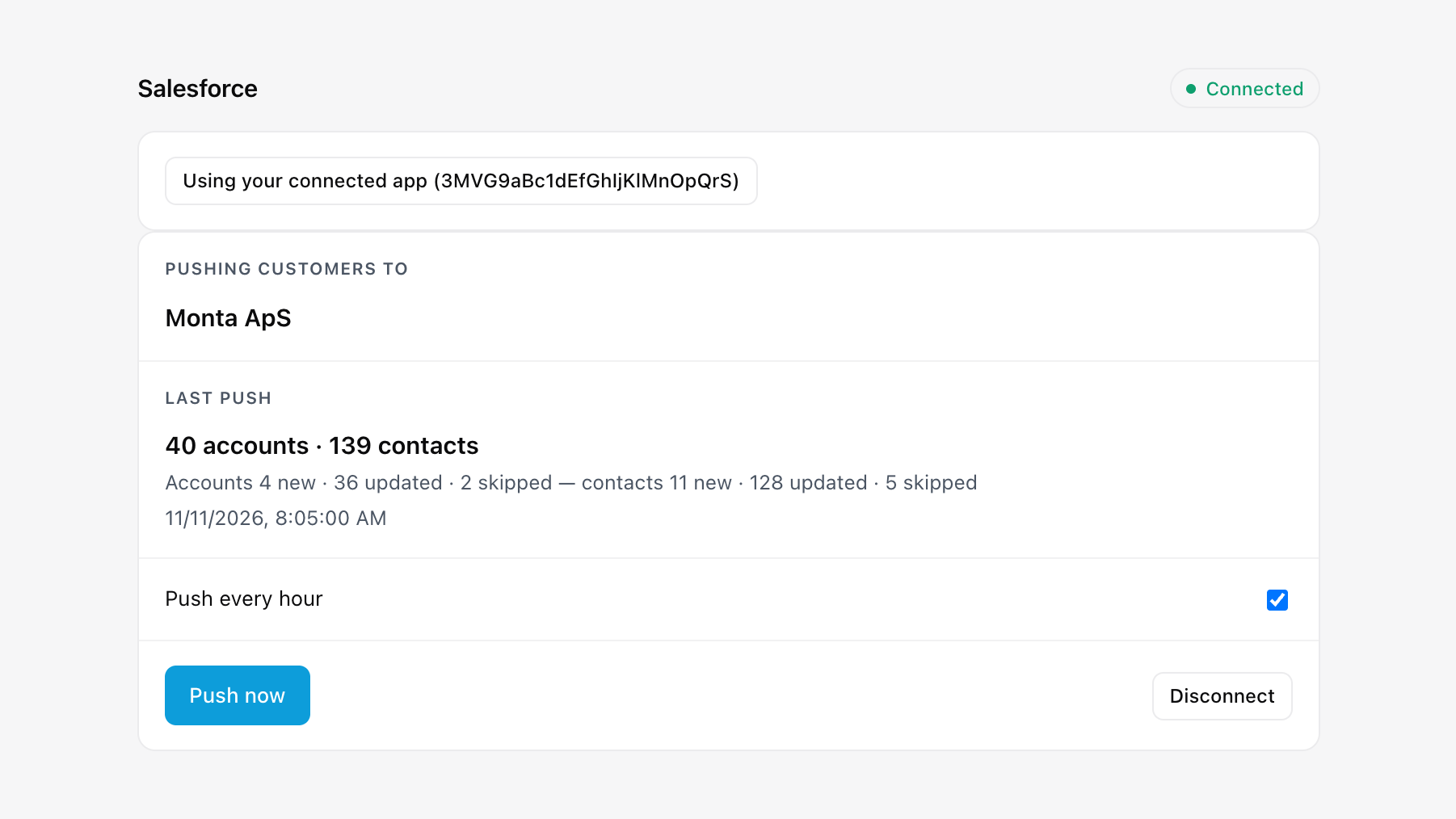
- HubSpot: Syncs drivers and accounts both ways, plus charging data as HubSpot objects. Set it up
- Salesforce: Pushes Monta accounts as Salesforce accounts and drivers as contacts, every hour.
- Microsoft Dynamics 365: Pushes Monta accounts as Dynamics 365 accounts and drivers as contacts, every hour.
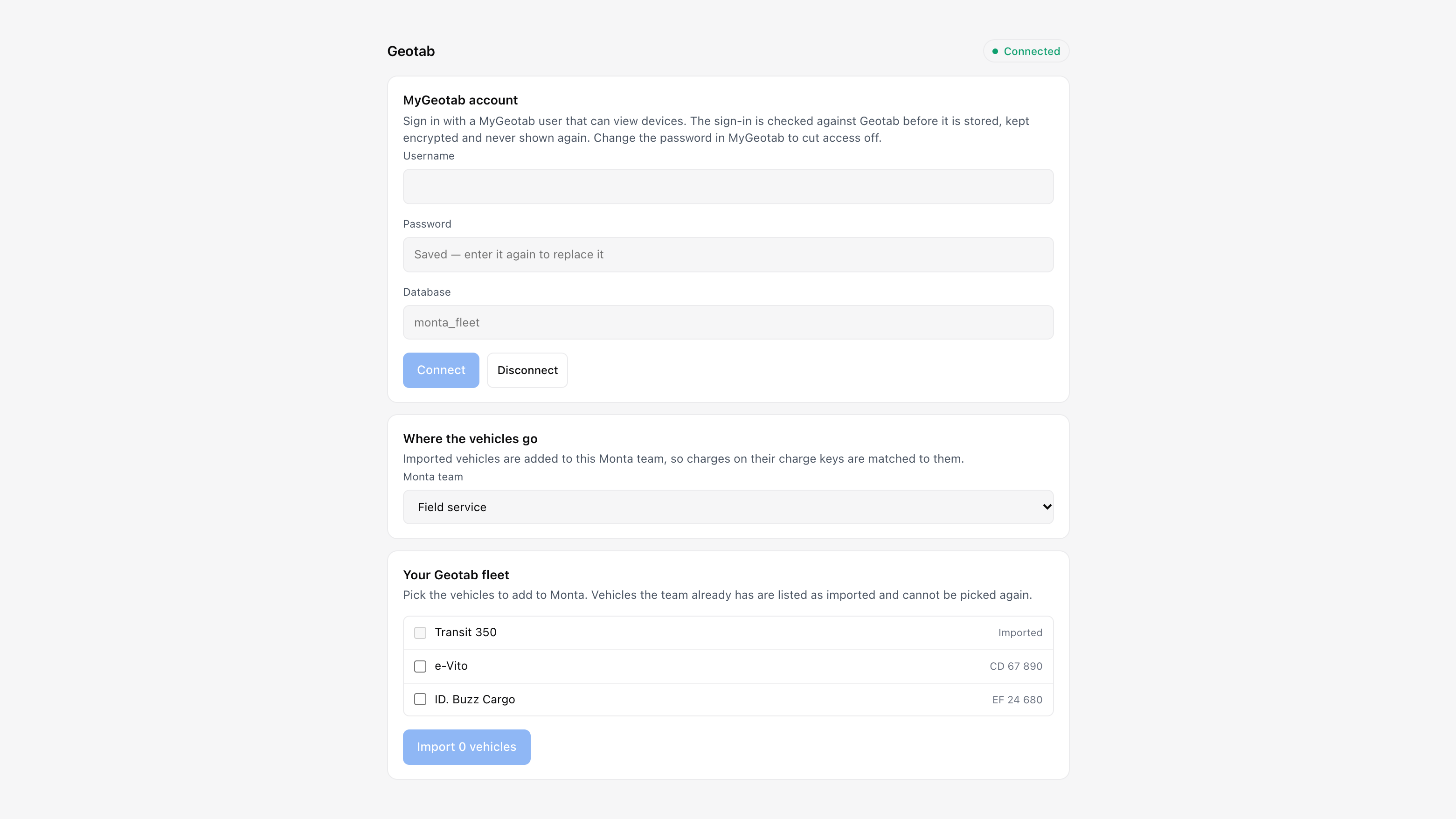
Your fleet in Monta
- Geotab: Imports the vehicles you pick from MyGeotab into a Monta account, so charges are matched to them.
- Samsara: Links your Samsara fleet to a Monta account and keeps vehicle names current.
Charging data in Power BI
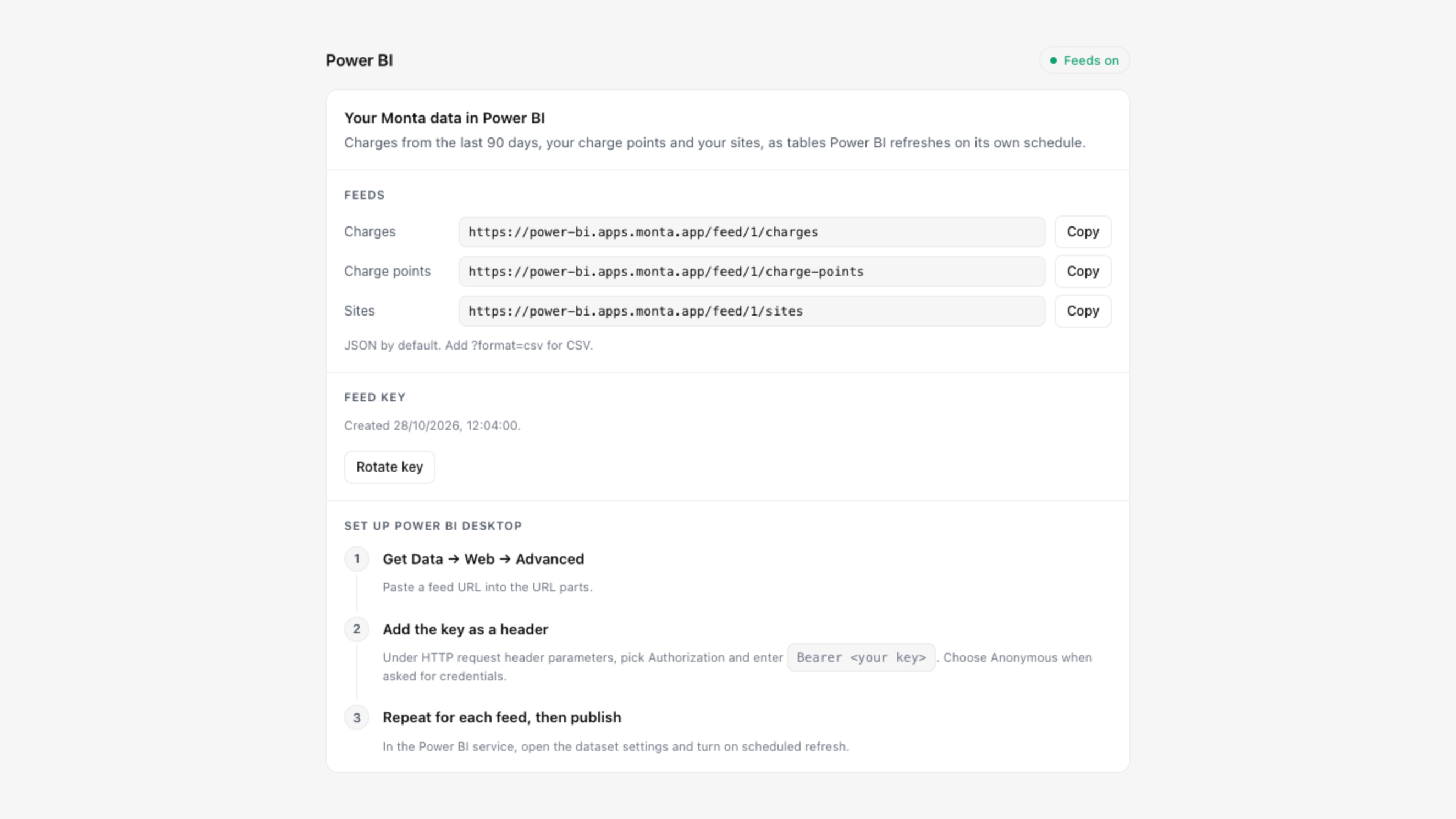
- Power BI: Three feeds (charges, EVSEs and locations) that Power BI refreshes on your schedule.
Webfleet is next. Its page is already in the marketplace, marked Coming soon.
Why it matters
Alerts, revenue, customers and fleet data reach the tools your team already uses, without anyone building an integration first.
How to use
In Hub, go to Developers, then Application Marketplace. Open an app, read what it does and connect it. Each app page also has its own changelog and a way to tell us what you think.
Availability
Live for every operator. Each app is optional and connects per operator.