New feature
Add charging stations whose model Monta doesn't support yet
Pick the Other model and enter the real brand and model yourself.
- Stage
- Live
- Released
- Products
- Monta Hub, Monta Charge
- Posted
What's new
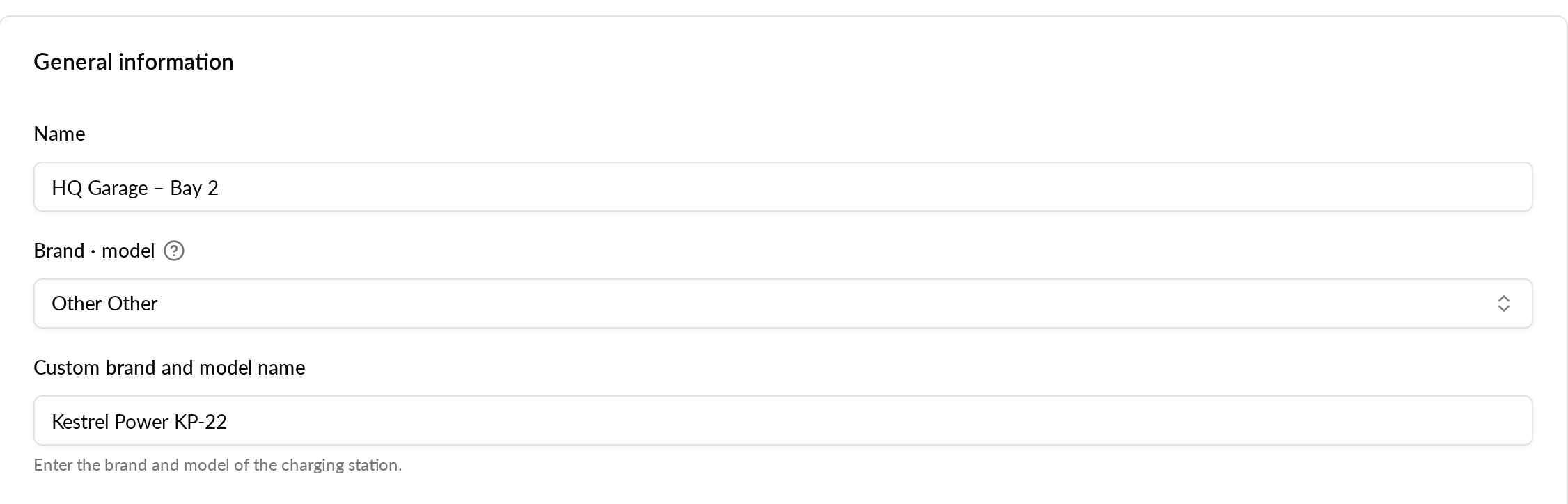
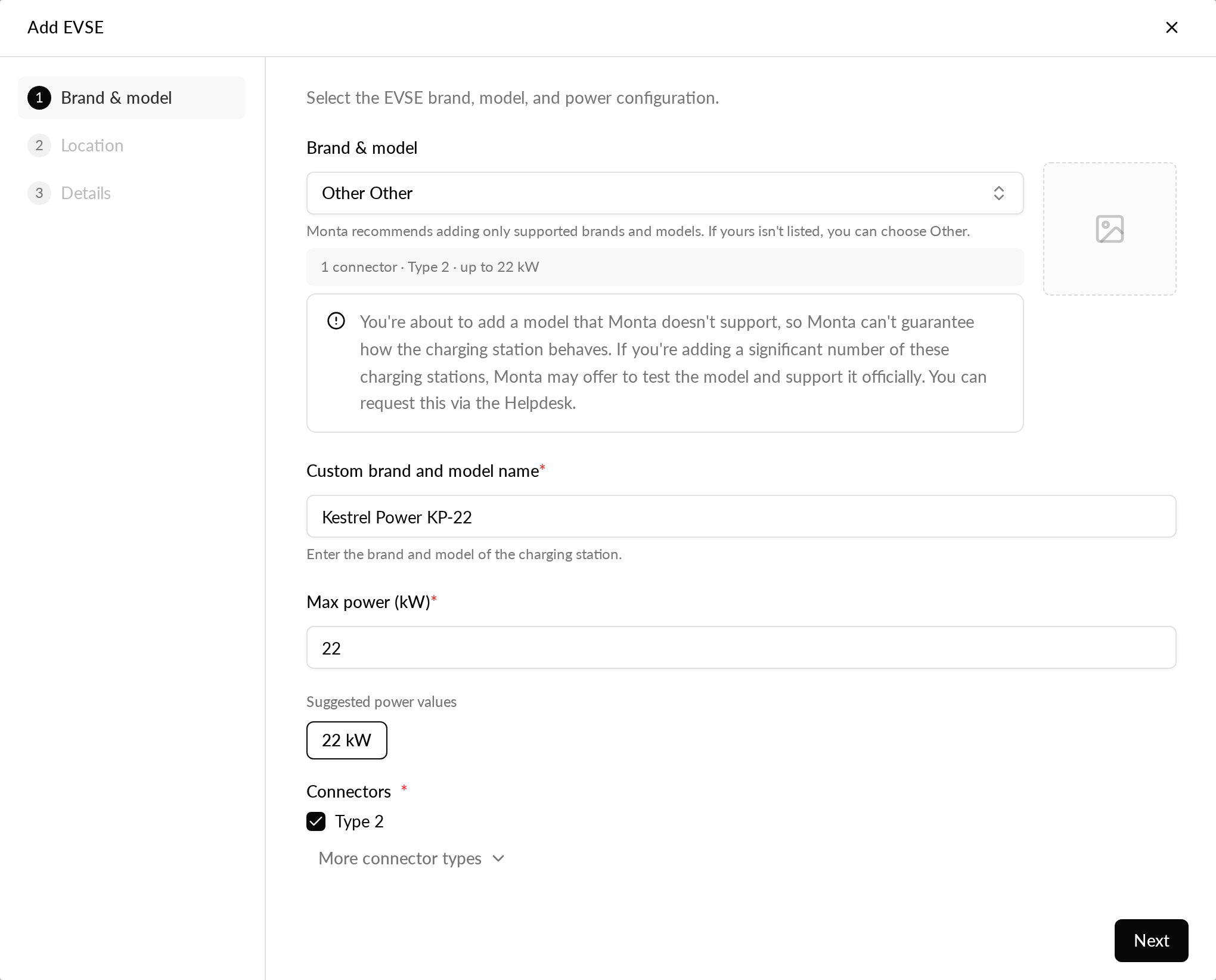
When you add an EVSE in Hub, you can now pick the catch-all Other model for a charging station whose brand or model Monta doesn't officially support. You then enter its real brand and model in the "Custom brand and model name" field, so you can still tell your hardware apart. The same option is available when you add a charging station in the Monta app.
Why it matters
You no longer have to leave out a charging station because its model is not on Monta's list. Hub tells you up front what choosing Other means: Monta can't guarantee how the charging station behaves. If you add a significant number of the same model, Monta may offer to test it and support it officially, and you can ask for this through Helpdesk.
Who it's relevant for
Operators who install or manage charging stations from brands or models that Monta doesn't support yet. Other gives basic charging for charging stations that connect over OCPP 1.6.
How to use it
In Add EVSE, go to Brand & model and choose Other.
Enter the brand and model of the charging station in "Custom brand and model name".
Finish adding the EVSE as usual.
You can change the brand and model name later on the EVSE's Settings tab.