
Improvement
Send an account's invoices to up to ten more email addresses
Every invoice email now goes to the finance email and to the extra invoice recipients you add.
- Stage
- Live
- Products
- Monta Hub, Operator API
- Posted
What changed
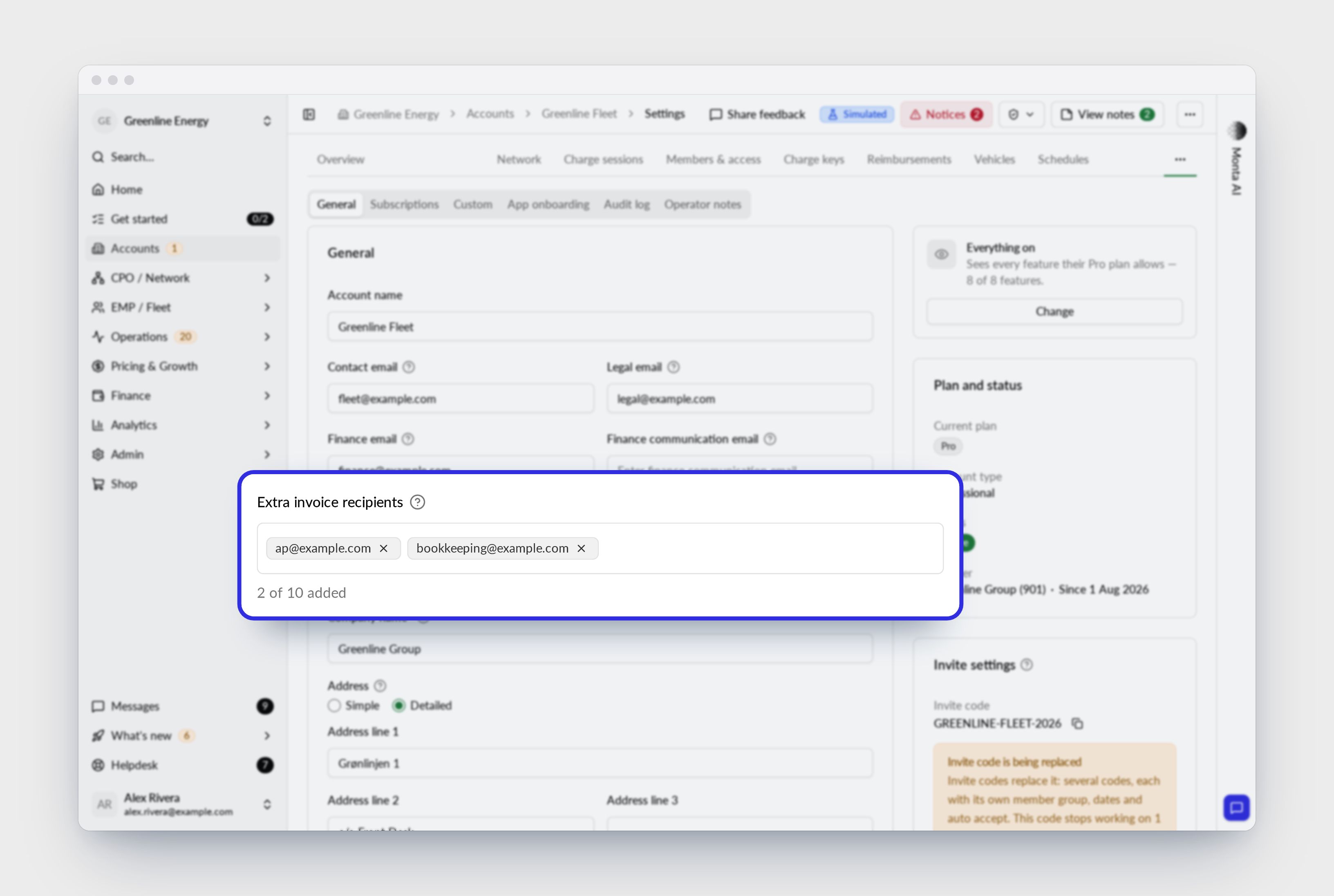
Until now, an account's invoices went to one address, its finance email. Now you can add up to ten extra invoice recipients beside the finance email, and every invoice email goes to all of them: the invoice itself, its reminders, credit notes and the email sent when a payment fails.
When an e-invoice can't be delivered through Peppol, the email sent in its place goes to the extra invoice recipients too.
Your existing setup stays as it is: an account without extra invoice recipients gets its invoices exactly as before.
Extra invoice recipients are set where the finance email is, on professional accounts. Notices about overdue invoices and freeze warnings are not affected: they still go to the finance communication email.
Why it matters
A business customer whose invoices have to reach several inboxes, such as bookkeeping, accounts payable or the import address of its accounting system, no longer needs a forwarding rule on its side. You set the addresses once on the account.
Who it's relevant for
Operators with business customers on professional accounts, and partners who manage accounts through the Partner API.
How to use it
- Open the account and go to "Settings", then "General".
- Under "Finance email", add addresses to "Extra invoice recipients": type an address and press Enter, or paste several at once.
- Select "Save changes".
To set them for many accounts at once, use "Import accounts": the downloadable template has a column for extra invoice recipients, with the addresses in one cell separated by a semicolon or a comma. Through the Partner API, the same list can be set when an account is created or updated.