
All updates
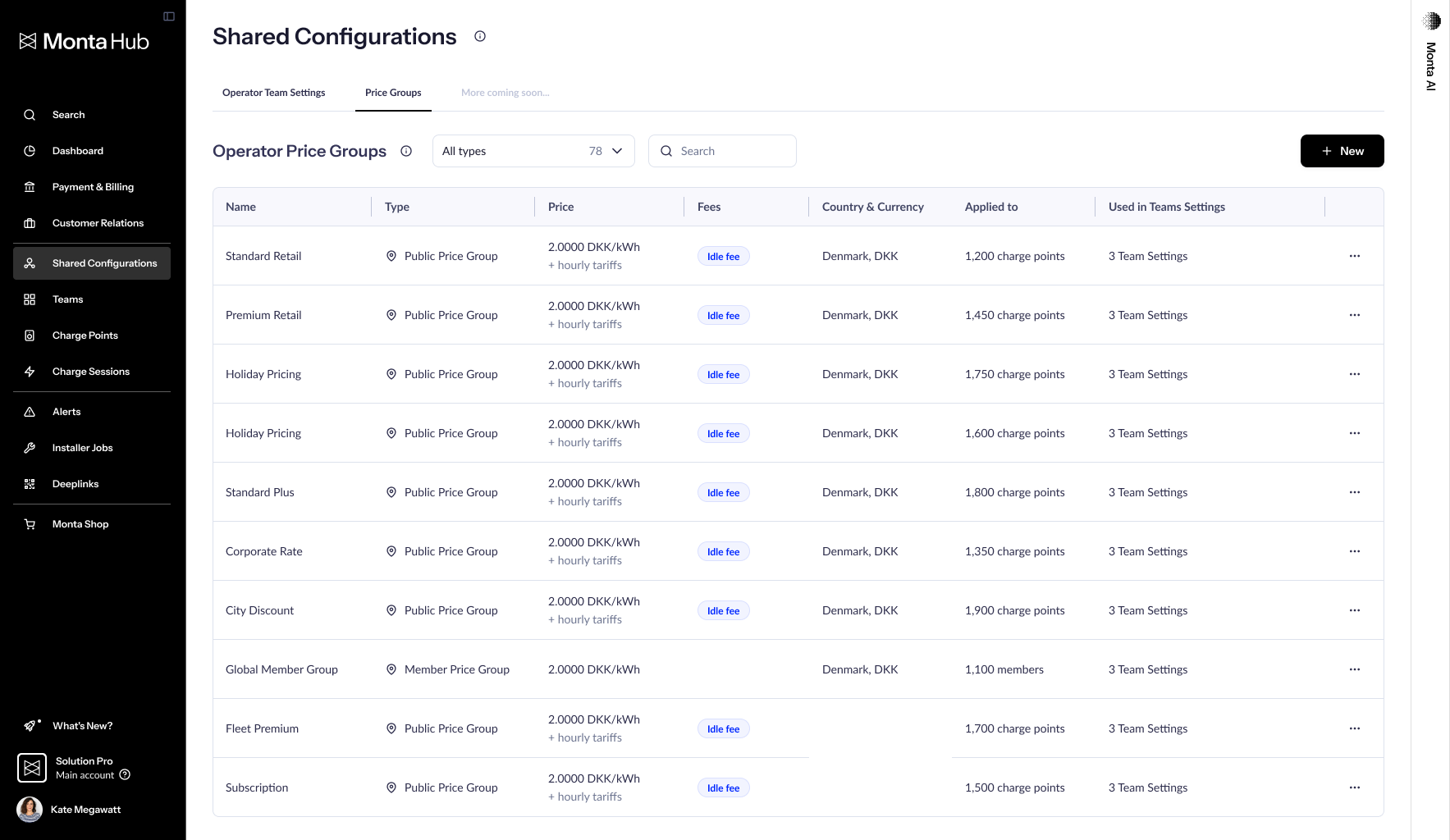
Operator Price Groups
- Stage
- Live
- Product
- Monta Hub
- Posted
What's New
A new Shared Configurations section in Monta Hub lets you create price groups at the operator level and apply them across your entire network from one place.
- Create once, use everywhere — Define Public, Member, Cost, and Roaming price groups at the operator level instead of per-team
- Set smart defaults — Include Operators price groups in Operator Team Settings so new teams inherit the right pricing automatically
- Instant network-wide updates — Change a price once and it syncs everywhere that price group is applied
Why It Matters
As your network grows, so does the complexity of managing pricing across teams. Operator Price Groups simplifies this by letting you define pricing once and apply it wherever you need it.
This is the first step toward a broader vision where you configure settings once and apply them across your entire operation.
Getting Started
- Navigate to Shared Configurations in the Hub sidebar
- Create a new price group with country and currency
- Apply to teams, charge points, or members — or set as default in Operator Team Settings