
Improvement
Fleet Management: new features and improvements
- Stage
- Early access
- Available to all customers
- To be confirmed
- Product
- Monta Hub
- Posted
In Hub Beta now.
-
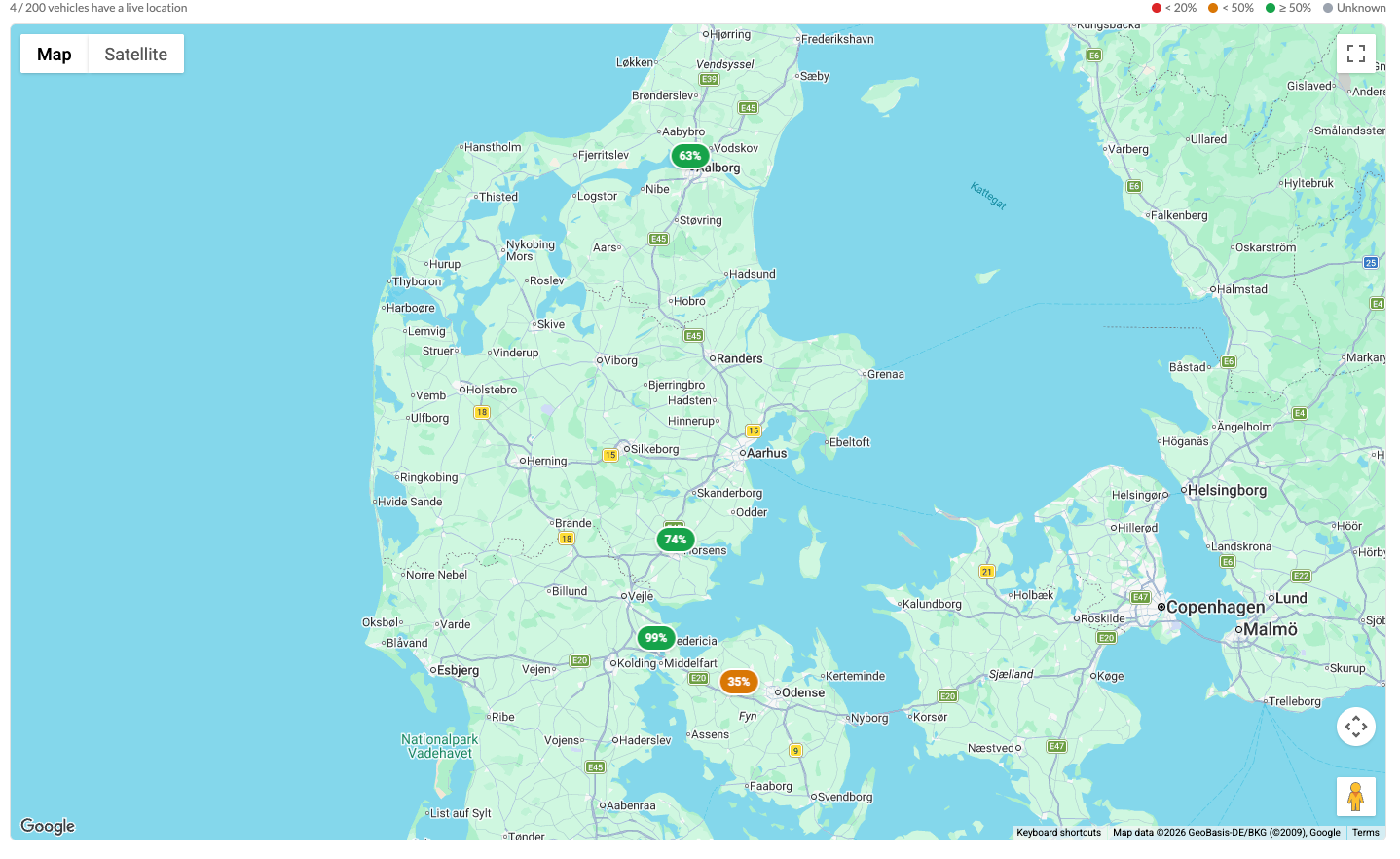
Vehicles page, with a map: All your vehicles now live in one list under Drivers → Vehicles, across teams. No more hopping team-by-team to find a car. Flip to Map view — available globally or inside any team — to see every connected car with its live battery level. Capped at 200, filter by team or status first if your fleet is larger
-
Build a fleet from cars you’ve already charged: Setting up a new depot? Instead of typing in every car, open New → Create from VIDs. Monta scans the AutoCharge identifiers (VIDs) your chargers have seen in the last 7, 30, or 90 days and lets you create a vehicle record for each, one click at a time. Works best on fast chargers and Plug & Charge-enabled AC chargers, where cars actually transmit a VID.
-
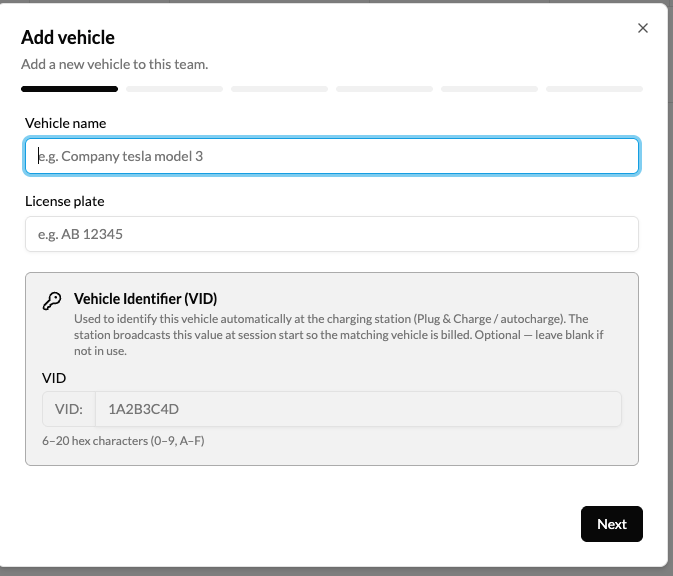
Set the VID up-front: The Vehicle Identifier (VID) field is now in the create wizard, bulk edit, and CSV import, so charging sessions match the right vehicle from the first plug-in, instead of you reconciling them later.
-
Brand and model are now optional: Adding a vehicle without filling in brand and model? Hit Skip brand & model and set battery, AC/DC limits, and connectors manually. Useful for commercial vehicles that aren’t in the catalogue, or simply when you’d rather not share that detail.
-
Pin reimbursement to a specific vehicle: On a reimbursed charge point, you can now pin reimbursement to one specific vehicle (company or driver-owned), under Accounts → [team] → Reimbursements → Employees → Reimbursement. Useful when a driver has more than one car and only one should be reimbursed — and the groundwork for tighter reimbursement controls coming next.
What’s next? We’re working on Charge Verifications, telemetry-backed evidence (vehicle, odometer, location, battery level) stored with every home-reimbursement session, so when you reimburse a driver you (and an auditor) can see why each kWh was assigned to that car. More in the coming weeks.