Set usage limits on your charge keys
- Stage
- Live
- Released
- Product
- Monta Hub
- Posted
What’s new
We’re introducing usage limits for charge keys in Monta Hub. Soon you’ll be able to cap how an individual charge key is used — so a single key can’t run up unexpected spend or activity if it’s lost, shared, or misused — without having to block it entirely.
You’ll be able to set three independent limits on any charge key:
- Spend limit — the maximum amount a key can spend over a rolling 30-day period.
- Charge count limit — how many charges a key can start within a 24-hour period.
- Concurrent charges — how many charges a key can run at the same time.
Each limit is optional and can be changed or removed at any time. You can set them on a single key from its settings, or apply them across many keys in one bulk edit — so you can cap an entire fleet of keys at once instead of editing each one.
Why it matters
Until now, the only way to stop a problematic charge key was to block it completely — too blunt when you simply want to rein in usage without cutting a driver off. Usage limits give your teams a softer control: keep a key working within safe bounds, and adjust or lift the limits whenever you need to.
Recommended default limits
When defaults are switched on, the values depend on the charge key type:
- Personal and Private keys — €200 spend per 30 days, 6 charges per 24 hours, and 2 concurrent charges.
- Professional keys — €1,000 spend per 30 days, 14 charges per 24 hours, and 7 concurrent charges.
They’re set so everyday charging isn’t affected, while unusual, high-risk usage is caught.
Roll-out and opting out
This is rolling out gradually. In about two weeks, these recommended defaults will be switched on automatically for every operator that hasn’t opted out — applied to both new charge keys and existing keys that don’t have limits set yet.
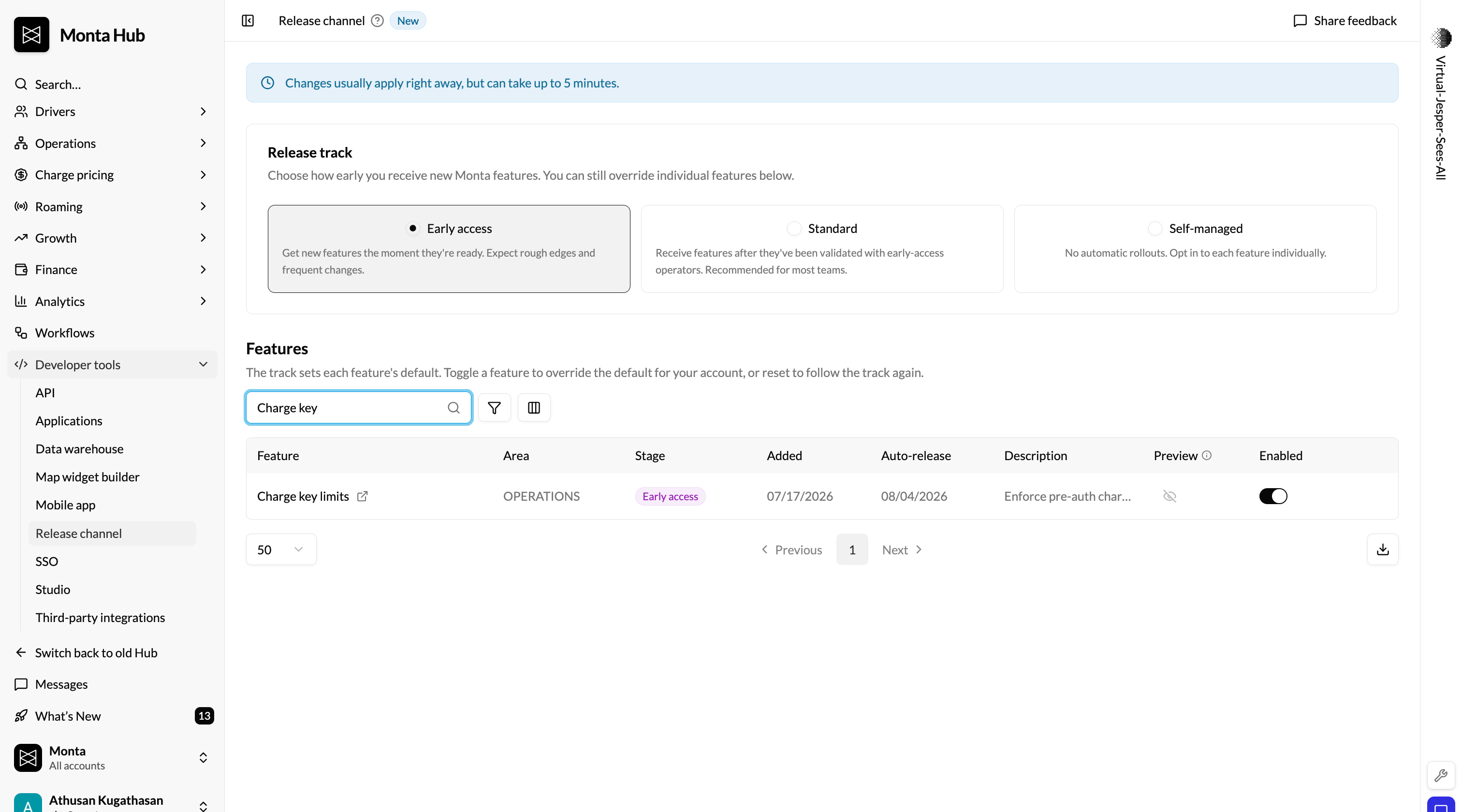
After the switch-on, you manage the limits yourself — adjust, add, or remove them on any key at any time, individually or in bulk. You can also opt out before then: if you do, no defaults will be applied, and your charge keys stay uncapped until you set them yourself.Find the switch in the Hub Beta -> Release Channel -> Charge key limits.