
New feature
Change your payout bank account through a change request, with every admin notified
Bank account changes now go through change requests: one person asks, another admin approves, and every admin is told by Hub message and email.
- Stage
- Live
- Product
- Monta Hub
- Posted
What's new
You can now change the bank account your payouts go to yourself, in Monta Hub. The change runs on change requests, the same approval flow you already use for price groups and EVSEs: one person asks for the change, and it only takes effect once another admin approves it. Every admin of your operator is notified along the way, so a change nobody expected is caught before any payout moves.
How it works
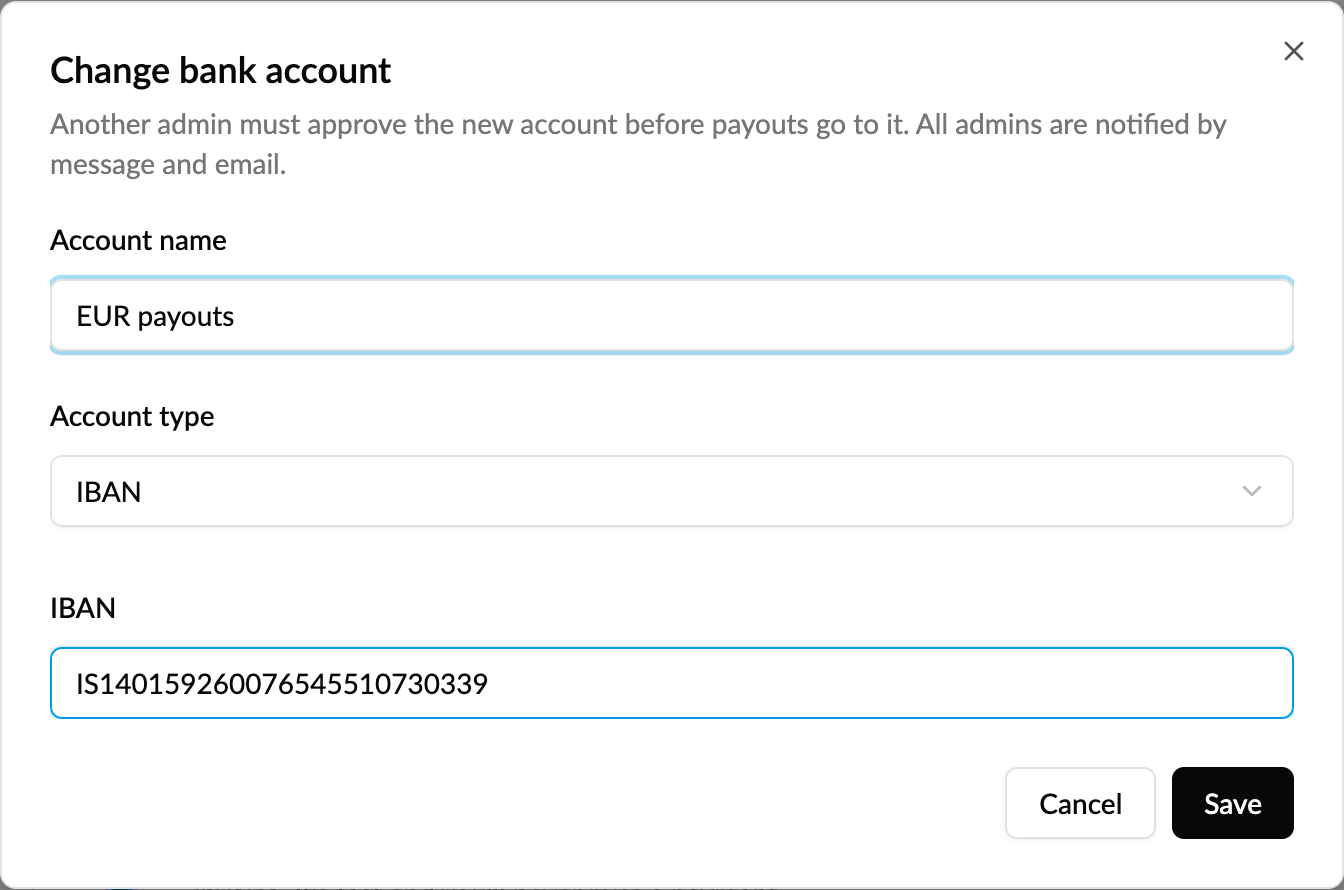
- Go to Operator profile → Payment settings and click Change bank account on the account you want to replace.
- Enter the new account and save. Payouts keep going to the current account until the change is approved.
- Every admin gets a message in the Hub and an email saying who asked for the change, with both account numbers masked to the last four digits.
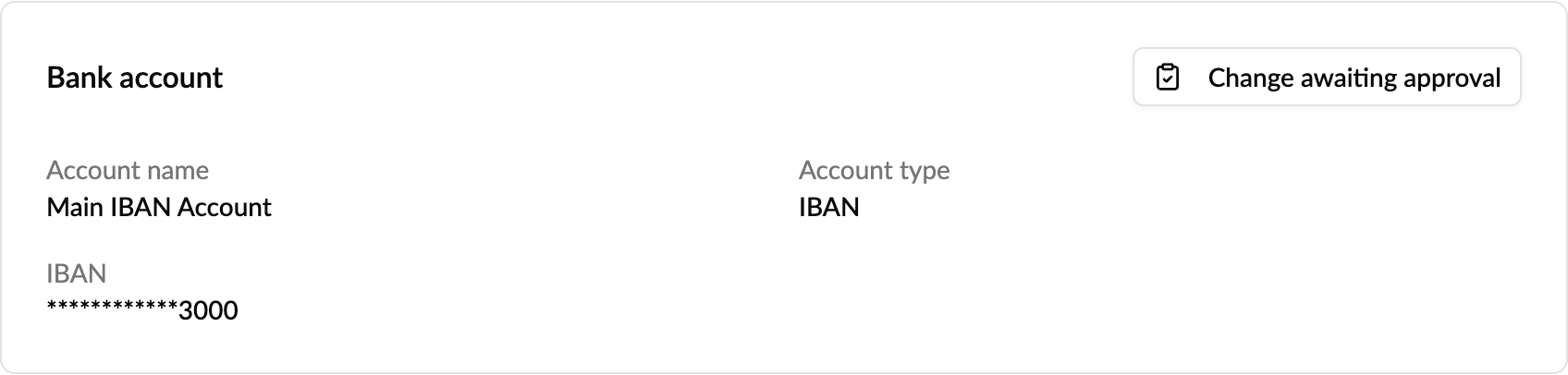
- The change appears as a change request under Operations → Change requests → Awaiting approval, next to your other requests. Another admin approves or rejects it there. You can't approve your own request, but you can withdraw it.
- Once approved, the new account replaces the old one straight away, and all admins are told.
Who gets notified, and when
- When a change is requested: every operator admin gets a message in the Hub and an email naming who asked, with the current and new account masked to the last four digits. The request is only created once the Hub messages are delivered, so no change can wait unnoticed.
- When it's approved or rejected: every admin is told the outcome.
- When Monta support changes the account for you: every admin is told that too.
Every request and decision also stays visible under Change requests (Awaiting approval and History), and approved changes are written to the audit log.
Good to know
- You need the bank account update permission in your role to request a change. To approve, you need to be an operator admin with the same permission.
- One change can wait at a time.
- Supported account types: IBAN, US routing and account number, Canadian institution, transit and account number, UK sort code and account number, and Australian BSB.
- If you're the only admin, nobody else can approve the request yet. Contact Monta support, who can make the change for you, and you'll be notified when they do.
- Changing your payout currency is still done by Monta Finance.
Who it's relevant for
Operators who need to switch payout accounts, for example after changing bank or legal entity, without waiting on a support ticket.