
All updates
Improvement
See every account's price groups in one place
A new Accounts tab on Price groups lists the price groups created inside all your accounts, with search and filters.
- Stage
- Live
- Product
- Monta Hub
- Posted
What's new
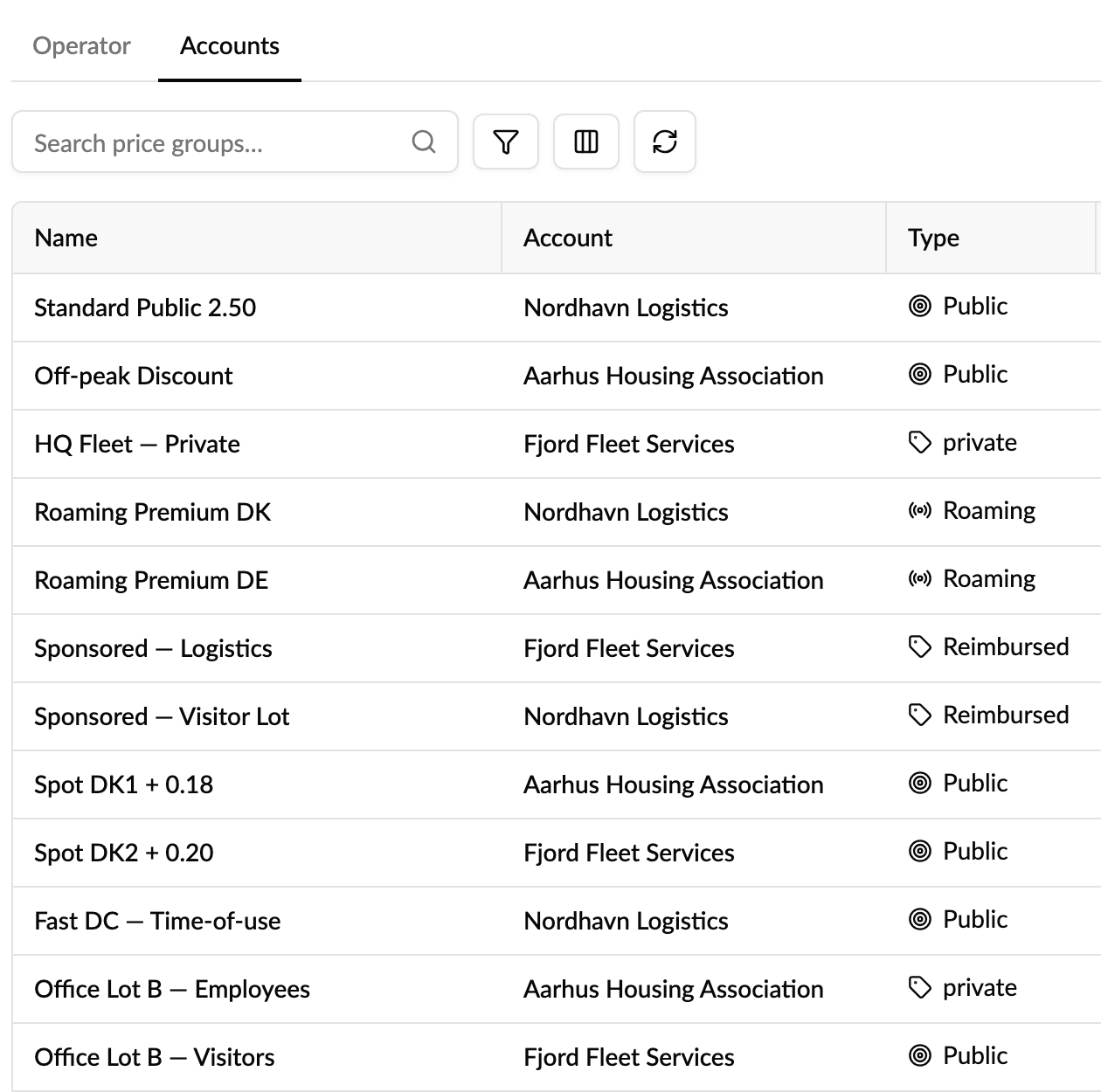
All the price groups created inside your accounts are now in one place. Pricing & Growth → Price groups has two tabs:
- Operator: your operator's own price groups, as before.
- Accounts: every price group created inside your accounts, with the account it belongs to.
Until now the page only listed your operator's own price groups, so a price group made inside an account was hard to find unless you knew which account to open.
How to use it
- Go to Pricing & Growth → Price groups and open the Accounts tab.
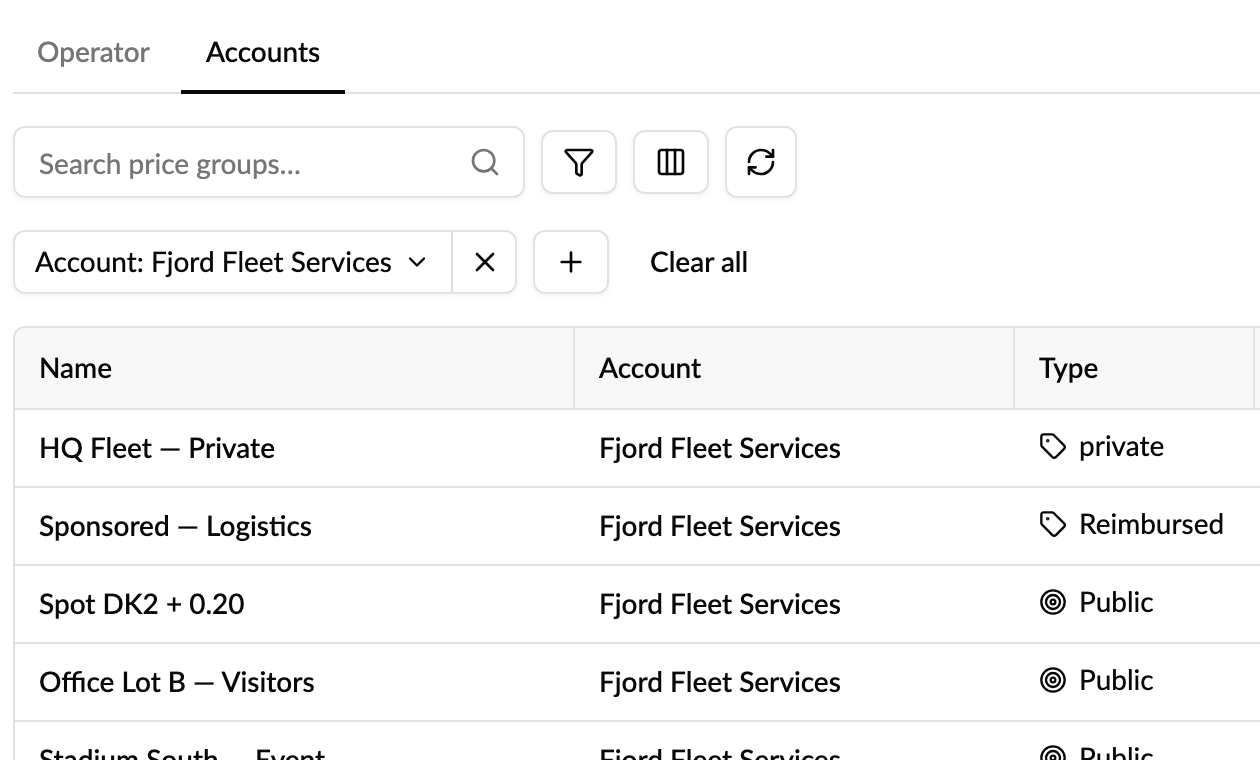
- Search by name, or filter by Type or Account.
- Click a price group to open and edit it in its account. Click the account name to go to that account's price groups.
Good to know
- The list follows the accounts you're viewing. If you manage sub-operators and look at all accounts, you see their accounts' price groups too.
- The Accounts tab is for finding price groups. You edit, apply or delete them in the account itself, with that account's permissions.
- Price groups that Monta creates automatically for each account, like "Default", are left out so the list stays fast and readable. They appear when you search for one or filter by account.
Who it's relevant for
Operators with many accounts, and support teams who need to find a price group without knowing which account it lives in.