
New feature
Grid regions on locations and EVSEs
See which DSO zone and bidding area each location and EVSE sits in, and pick spot-price zones on a map.
- Stage
- Live
- Released
- Product
- Monta Hub
- Posted
What's new
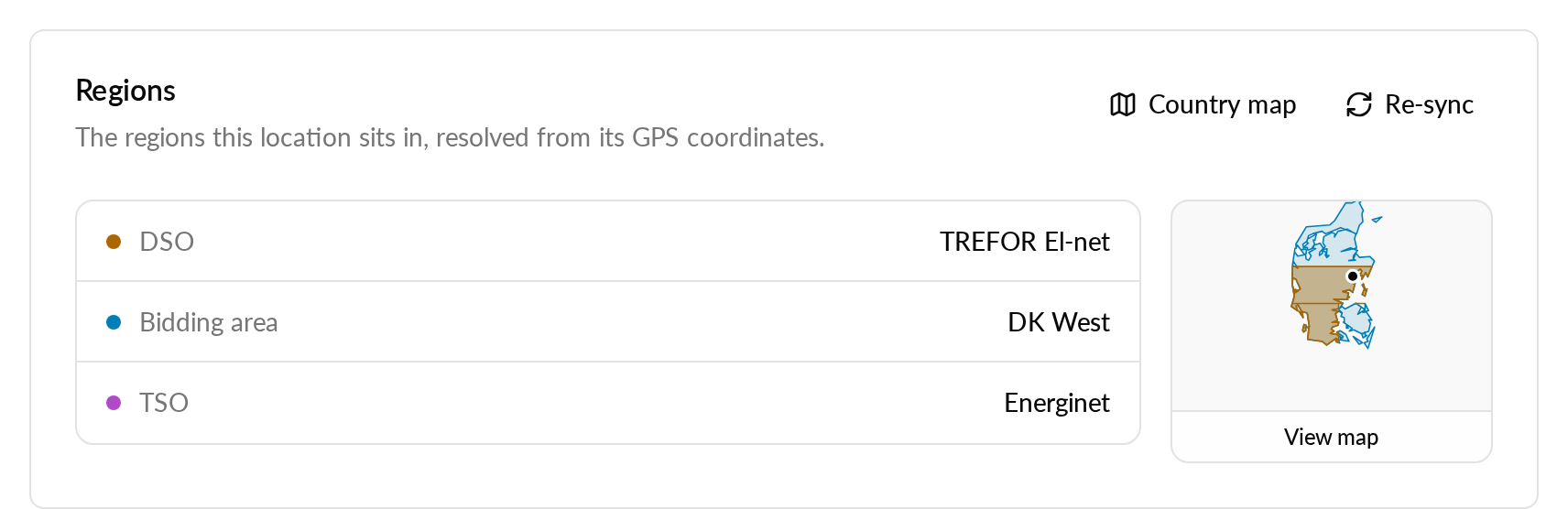
Locations and EVSEs now record every grid region they sit in, such as the DSO zone and the bidding area, instead of only the bidding area. A new Regions card shows them, and a map shows the zones around the EVSE or location.
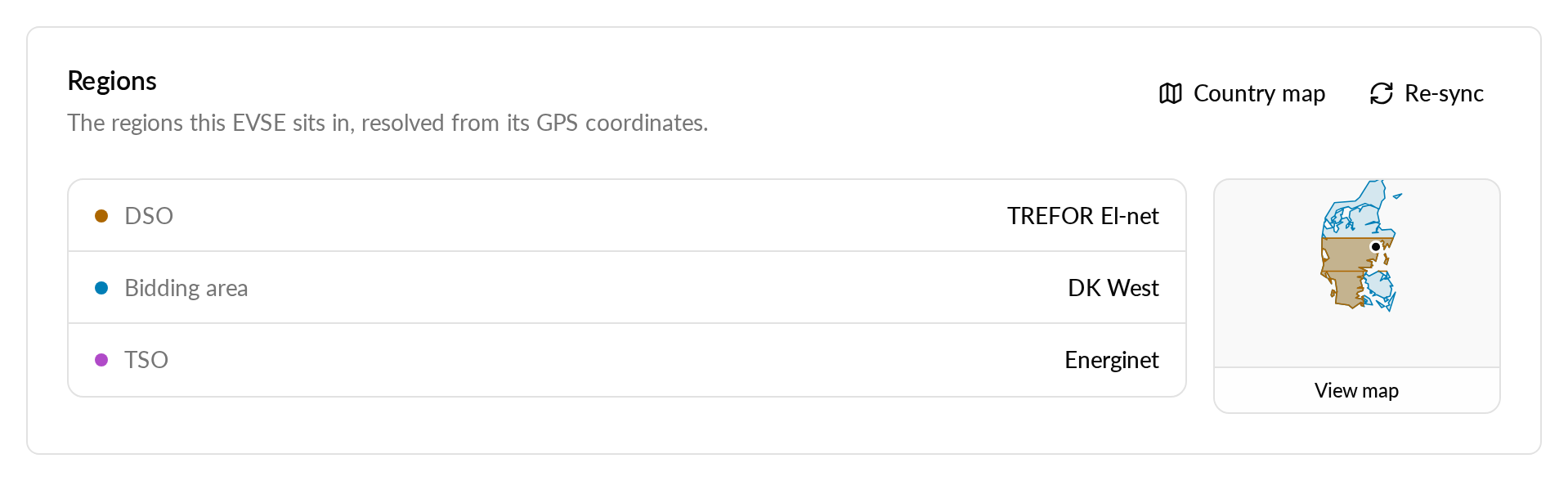
You can also open a country map with every zone layer, switch between countries, and re-sync an EVSE's or location's regions from the map. The spot market map doubles as a zone picker: click a bidding area to select it as the spot-price zone.
Why it matters
You can see which grid operator and price zone a site belongs to without looking it up elsewhere. Choosing a spot-price zone on a map is quicker than picking it from a list.
Who it's relevant for
Operators running energy-aware charging, spot-price tariffs or sites that depend on their grid operator.
How to use it
- Open an EVSE or location and go to Settings, then General, to see the Regions card.
- Select the map to see the zones, or use Country map for every layer in a country.
- For spot prices, open Energy tariffs, then Spot market, and select Map to pick a zone.
Availability
DSO zones are currently available for Denmark only. Each country shows only the region levels it has.